

Yardbook is a good starting point if you're running a small lawn care business and need free scheduling and invoicing software. For a dedicated mowing crew, Crew Control is worth considering. Jobber works better for companies that also handle other home services, while GorillaDesk suits businesses managing several routes. Larger companies have different requirements. Service Autopilot handles recurring maintenance schedules, RealGreen focuses on lawn treatment operations, and LMN and Aspire provide estimating and job-costing tools for established landscaping companies.
The best lawn care software for your business depends mainly on the services you provide, how many crews you manage, and which features you need. Price matters too, particularly when you start adding employees or routes. Jobber advertises a $29 monthly plan, but that price covers one user with annual billing. GorillaDesk's $99 Pro plan starts with one route. The monthly bill changes as your business grows.
We compared the published pricing and features of these products as of November 10, 2026. The comparison covers what each platform offers, where its pricing changes, and what you should check before subscribing.
On this page
- Best lawn care software at a glance
- Which lawn care software should you choose?
- How we compared these tools
- 1. Yardbook
- 2. Crew Control
- 3. Jobber
- 4. GorillaDesk
- 5. Service Autopilot
- 6. Housecall Pro
- 7. LMN
- 8. Aspire
- 9. RealGreen and FieldRoutes
- How much does lawn care software actually cost?
- Five things to test before buying lawn care software
- Free vs. paid lawn care software: When should you upgrade?
- Common mistakes when choosing lawn care software
- Frequently asked questions
Best lawn care software at a glance
| Software | Best suited for | Starting price |
|---|---|---|
| Yardbook | Solo operators and small businesses needing free software | Free; paid plans from $34.99/month |
| Crew Control | Small lawn mowing and landscaping crews | $39/month per user |
| Jobber | Lawn care businesses needing a general service CRM | $29/month, billed annually, for one user |
| GorillaDesk | Businesses managing multiple service routes | $49/month for the first route |
| Service Autopilot | Companies with large recurring maintenance schedules | $49/month, annual billing |
| Housecall Pro | Companies offering lawn care alongside other home services | $59/month, annual billing |
| LMN | Established landscaping companies managing estimates and job costs | $297/month |
| Aspire | Large landscaping and commercial grounds operations | Custom quote |
| RealGreen / FieldRoutes | Lawn treatment and route-based field service companies | Custom quote |
These are the lowest published starting prices, not estimates for a fully staffed operation. Several platforms charge more for additional users, routes, advanced features, or onboarding.
Which lawn care software should you choose?
The most useful starting point is the kind of work your company performs each week. A mowing business with one crew generally needs different scheduling and payment tools from a treatment company that must retain application records or a landscaper managing long installation projects. Use the following scenarios to narrow the shortlist, then compare the actual plan prices for your staff and routes.
For a solo lawn care operator with fewer than 25 customers: Yardbook's free Starter plan covers the basics without a monthly subscription. You can manage customers, schedule jobs, prepare estimates, and send invoices.
For a business running one mowing crew: Compare Crew Control and Jobber. Crew Control is designed around lawn and landscaping work, with route optimization and QuickBooks Online integration included in its base plan. Jobber offers a broader customer management system that also works for other home services.
For a company running two or three routes: GorillaDesk is worth comparing because it charges by route. This can be a useful pricing structure when your business grows by adding service routes rather than office employees.
For a company with a large recurring maintenance schedule: Service Autopilot offers recurring scheduling and billing. Its Pro plan adds route optimization and job costing, although the price is considerably higher than its entry plan.
For fertilizer and pesticide services: Look at RealGreen. Lawn treatment companies need chemical tracking and application records that ordinary mowing software may not provide.
For established landscape maintenance or installation companies: LMN provides estimating and job costing. Aspire is aimed at larger commercial landscaping operations with more involved field operations and contracts.
You should also consider whether lawn care is your only service. Housecall Pro may suit a business that handles lawn maintenance alongside other home services, since its scheduling and dispatch tools are built for different types of field work. Before choosing, count how many people will use the software and how many routes you currently operate. Then check which subscription includes the features your company actually needs.
How we compared these tools
We reviewed the vendors' published pricing, feature descriptions, and plan documentation on November 10, 2026. We focused on what each system actually offers in its published plan descriptions rather than on generic claims about being all-in-one software. The comparison considers the following points:
- How well the software supports lawn care and landscaping work
- Pricing for additional users, crews, and routes
- Which features require more expensive plans
- Mobile access for field employees
- Recurring scheduling and rainout management
- Customer and job data exports
- Accounting integrations
- The types of businesses each platform supports
This is a comparison based on vendor documentation. We haven't tested all these products through live business accounts, so we haven't assigned performance ratings or claimed to have verified how reliably their features work in everyday use. Where a vendor doesn't publish pricing, we've identified it as quote-based.
RankBeaver provides local SEO and Google Business Profile management for lawn care and pest control businesses. We don't sell or resell any software included here, and we don't earn commissions from these recommendations.
1. Yardbook
Yardbook is a lawn care management platform with a free Starter plan that does not expire after a trial period. It gives a solo operator one place to maintain customer records, prepare estimates, schedule routine visits, and send invoices. For example, someone mowing 20 residential properties each week could use it to keep customer details and visit dates together instead of maintaining a separate calendar, customer list, and invoice document. The appeal is avoiding a monthly software charge while the business is still small.
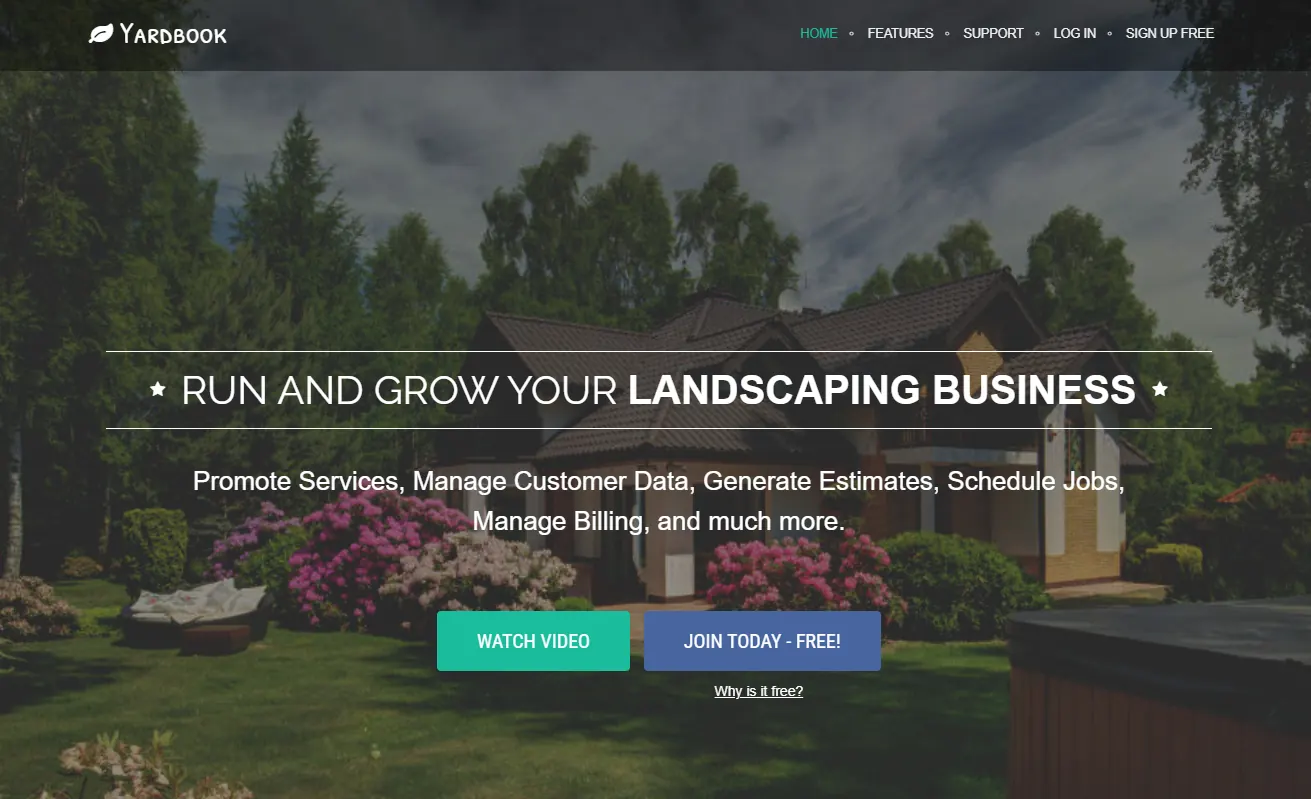
The limits become more relevant once the business has more customers or someone else starts handling the office work. Yardbook moves automated reminders to its Business plan and QuickBooks synchronization to Enterprise, so those are paid decisions rather than benefits of Starter. Payment processing through a partner can also add fees, even when the subscription itself is free. If technicians rely on iPhones in the field, check the current mobile experience before assuming the web-based system will suit their daily work.
Yardbook features
The free Starter plan includes the basic tools for managing a lawn care business:
- Customer information and job records
- Appointment scheduling
- Estimates and quotes
- Invoicing
The Business plan adds automated reminders, while Enterprise includes QuickBooks synchronization. Yardbook is primarily web-based. Its limited official iOS availability is worth checking if you or your employees depend on iPhones for field work.
Yardbook pricing
| Plan | Monthly price |
|---|---|
| Starter | Free |
| Business | $34.99 |
| Enterprise | $49.99 |
The free plan can carry a surcharge when customers pay through Yardbook's partner payment processor. Check the payment processing terms before deciding how you will collect payments.
Who should use Yardbook?
Yardbook is a sensible first system for an owner who performs the lawn work personally and needs to track a manageable number of customers without a fixed software bill. It is also useful when the office process is simple enough that reminders or accounting synchronization are not daily requirements. The point to review as the business grows is the time spent following up on invoices and keeping customer information current. Once that work becomes repetitive, compare the price of a paid plan with the cost of continuing the manual process.
2. Crew Control
Crew Control is built for lawn care and landscaping companies that need to coordinate crews, customer visits, routes, and invoices in one system. Aspire Software offers it as the smaller-business counterpart to its main landscaping platform, generally for operations with about ten crews or fewer. Consider a company running two mowing crews in nearby neighborhoods: the office needs to assign work, reduce unnecessary driving, and know which visits are complete before billing customers. Crew Control is aimed at that type of repeatable field schedule rather than at large commercial contract management.

Route optimization and QuickBooks Online integration are included in Crew Control's base plan, which makes the starting price more meaningful than an entry tier that charges extra for routing. The Plus plan adds electronic proposals, customer notifications, and on-site estimates. Crew members can also create estimates and invoices from the field, so an office manager does not necessarily have to recreate that information after each job. Before choosing a plan, ask which team members need accounts and have the vendor demonstrate what happens when a rainy day forces multiple crews to change routes.
Crew Control features
The base plan includes:
- Job and crew scheduling
- Route optimization
- Invoicing and electronic payments
- Reporting
- Employee time entry and tracking
- QuickBooks Online integration
The Plus plan adds electronic proposals, customer notifications, and on-site estimates. Crew members can also prepare estimates and invoices while working in the field.
Crew Control pricing
| Plan | Monthly price |
|---|---|
| Base | $39 per user |
| Plus | $59 per user |
Crew Control's pricing is structured around users or crews, so check how the vendor counts the employees who will access your account. There is no permanently free plan. The company offers a free trial without requiring a credit card.
Who should use Crew Control?
Crew Control is a practical candidate for small companies running regular lawn maintenance routes with a few crews. Its included route optimization and QuickBooks Online connection make it worth comparing with tools that place those features on more expensive plans. It is particularly relevant when employees need to complete estimates or invoices from the field rather than passing paper notes to the office. During a trial, build a real week's schedule and try moving several stops after rain to see whether it matches how your crews work.
3. Jobber
Jobber brings quotes, customer records, job scheduling, invoices, and payment collection into one field-service system. A lawn care owner can record a new customer's request, create an estimate, schedule the approved work, and keep the billing details with the job instead of copying them into separate tools. This can be useful when a business has grown beyond a single mowing route and the owner is no longer the only person scheduling jobs. It is also relevant to companies that offer other property services alongside lawn care.
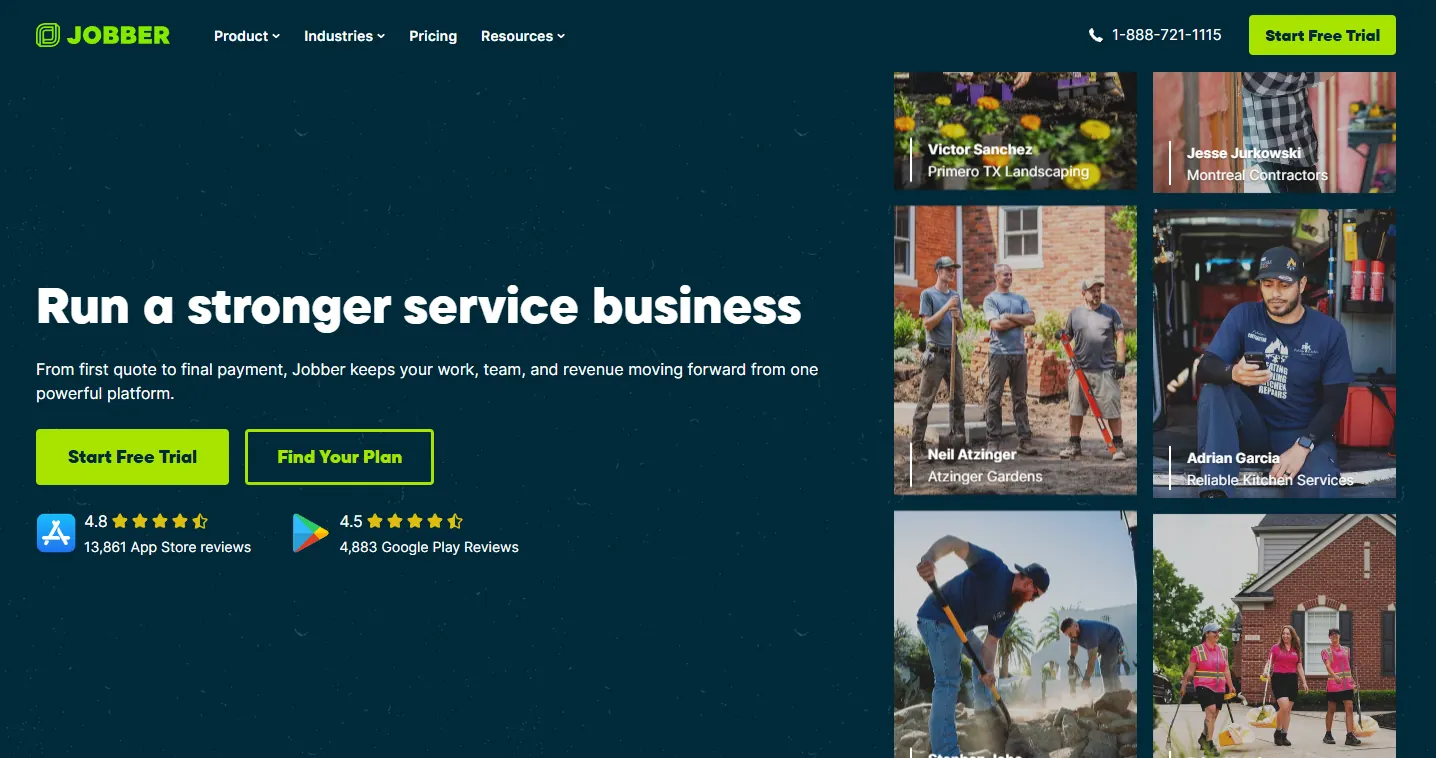
Jobber is not lawn-specific, so evaluate how it handles the work you repeat every week rather than judging it only by its general feature list. The advertised $29 monthly entry price applies to one Core user with annual billing, while Connect and multi-user options cost more. For a five-person company, the question is which employees need access and which plan supports the desired reminders, payment collection, and integrations. Check those details before using the one-user headline price in a business budget.
Jobber features
Jobber includes tools for:
- Customer relationship management
- Quotes and estimates
- Job scheduling and management
- Invoicing
- Payment collection
The Connect plan adds automation and integration capabilities that growing companies may need. Jobber also offers plans for multiple users, although those are priced separately from its advertised single-user options.
Jobber pricing
| Plan | Monthly billing | Annual billing (monthly equivalent) |
|---|---|---|
| Core, 1 user | $49 | $29 |
| Connect, 1 user | $139 | $99 |
The $29 starting price applies to one user on the annual Core plan. A lawn care company with five employees who need access shouldn't use that rate to estimate its total subscription cost. Check the multi-user pricing for the plan you want. You should also confirm which tier supports your preferred routing and billing workflow.
Who should use Jobber?
Jobber fits owners who want customer information, estimates, work orders, and payments connected across several types of jobs. It can be attractive when a lawn care business adds seasonal cleanups, property maintenance, or other services that do not all follow the same mowing schedule. The main buying check is the subscription cost once the right office and field employees have access. Build the actual staff count into the quote and verify recurring work, reminders, and accounting features on the exact plan you intend to purchase.
4. GorillaDesk
GorillaDesk organizes recurring field-service work around routes, and its subscription pricing is tied to the number of routes rather than simply to the number of employees. That structure is worth examining for a mowing company that serves different neighborhoods on different days. For example, the owner might have a Monday route of residential customers and a second route for larger properties later in the week. Having customer visits associated with those routes can help the office compare the workload against software that charges for each employee login.

The platform includes recurring scheduling, invoicing, billing, and payment tools, while higher plans add further routing and customer features. Its price should be calculated for the actual number of routes: the Pro plan starts at $99 for the first route, and the vendor's calculator showed $199 for three Pro routes when the comparison was prepared. SMS messaging may also add to the bill. In a demonstration, check how easy it is to move stops between routes and whether the recurring schedule and invoice information remain accurate after a change.
GorillaDesk features
GorillaDesk includes:
- Route-based scheduling
- Recurring billing
- Invoicing
The Pro plan adds improved routing features, a client portal, and subscription billing. SMS messaging is available as a paid add-on.
GorillaDesk pricing
| Plan | Starting monthly price |
|---|---|
| Basic | $49 |
| Pro | $99 |
| Growth | $149 |
These prices cover the first route. Additional routes increase the subscription price. For example, GorillaDesk's pricing calculator showed $199 per month for three Pro routes, compared with $99 for the first route alone. SMS messaging also costs extra.
Who should use GorillaDesk?
GorillaDesk is worth comparing when the company plans work by route and needs a repeatable process for customer stops and billing. It can suit an owner whose workload grows by adding neighborhood routes, but the number of routes determines much of the subscription cost. Use the vendor's calculator with the routes you have today and those you expect to add, rather than assuming the first-route price will remain your bill. Also test how a route change affects the next recurring service date and customer notification.
5. Service Autopilot
Service Autopilot is aimed at field-service businesses that manage large volumes of recurring appointments, including weekly lawn maintenance visits. Keeping several hundred visits organized requires more than placing names on a calendar: crews need clear assignments, the office needs a way to respond to rainouts, and completed work must be reflected in billing. Service Autopilot combines recurring scheduling and payment workflows for this kind of operation. It is worth considering when manual schedule changes are becoming a regular administrative task.
The distinction between plans is especially important here. Startup provides the entry-level scheduling and billing tools, but the $199-per-month Pro plan is where the published comparison places route optimization and job costing. Pro Plus adds further automation at a higher price, and the vendor also lists a sign-up or onboarding cost. If your main reason for upgrading is to reduce drive time or compare job revenue with costs, evaluate Pro rather than assuming the $49 Startup price represents those features. Ask for a rainout demonstration using multiple recurring customers.
Service Autopilot features
Recurring scheduling, invoicing, and payment management are available across its plans. The Pro plan adds:
- Route optimization
- Job costing
Pro Plus includes additional automation features.
Service Autopilot pricing
| Plan | Monthly price, annual-billing basis |
|---|---|
| Startup | $49 |
| Pro | $199 |
| Pro Plus | $499 |
The Startup plan also has a sign-up and onboarding fee, which increases the initial cost. If you're comparing Service Autopilot primarily for route optimization or job costing, use the $199 Pro price in your budget. Those features aren't included in Startup.
Who should use Service Autopilot?
Service Autopilot suits companies with enough recurring work to justify investing in routing and job-cost analysis. When multiple crews complete dozens of mowing visits every day, relatively small scheduling problems can require repeated changes by the office. Its Pro plan is the relevant comparison if route optimization and job costing are the reasons for buying. A smaller business needing only a calendar and invoices may not gain enough from the advanced plan to offset its price and setup costs.
6. Housecall Pro
Housecall Pro is a general field-service platform that combines customer booking, dispatch, job scheduling, invoices, and payment collection. It may make sense for a business that mows lawns but also handles cleaning, repairs, or other property-maintenance appointments. Rather than switching systems for different services, office staff can manage those jobs through the same scheduling and customer workflow. That breadth is useful when the company sells several types of work, although it does not automatically make the software the best fit for a dense mowing route.
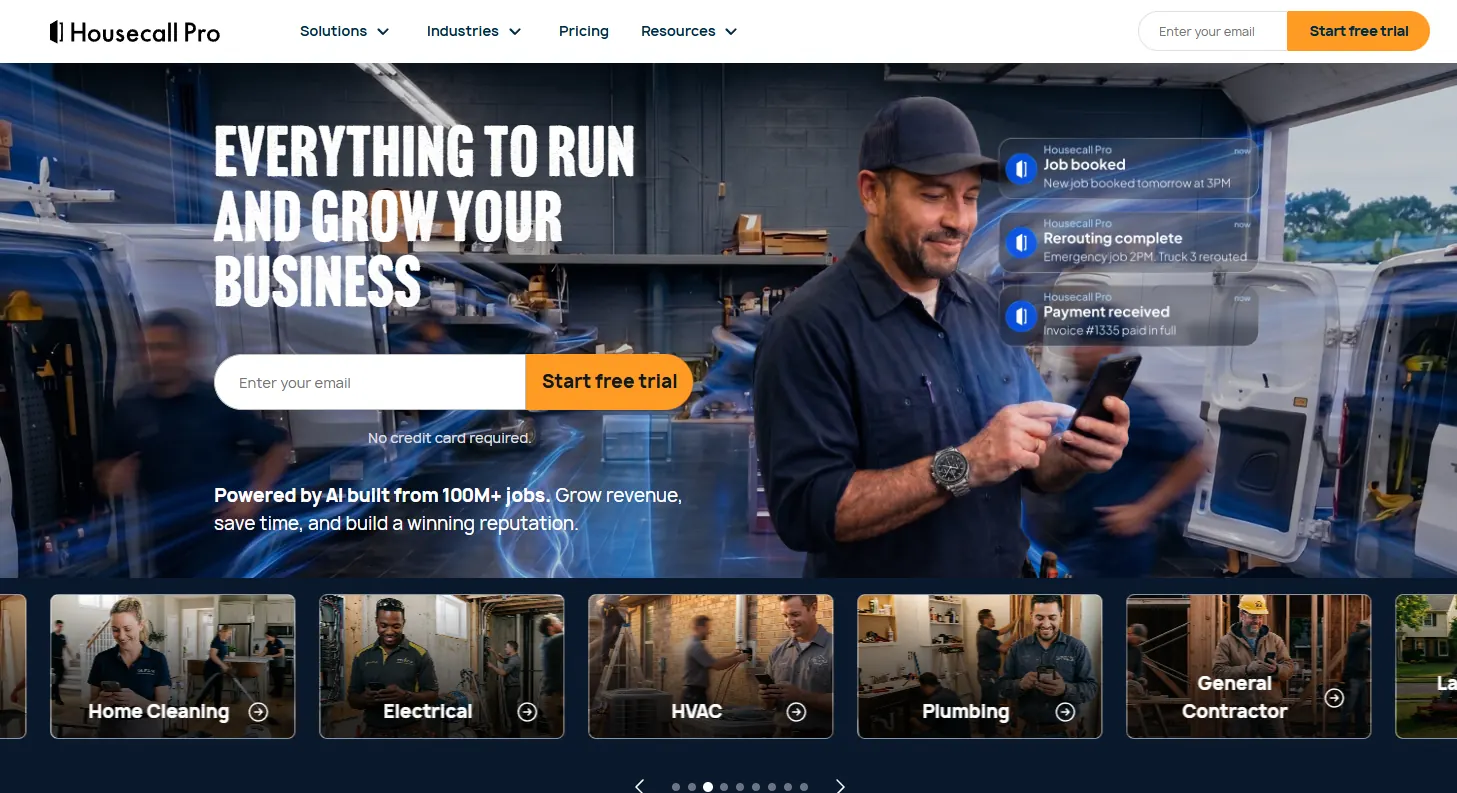
The published Basic price begins at $59 per month with annual billing, but recurring-service capabilities vary by subscription. Before signing up, determine whether you need ordinary appointment booking or a schedule that repeats for every customer through an entire season. Then ask the vendor to show a missed visit, a crew reassignment, and the invoice that results from the completed job. Those examples will make it easier to judge the higher-tier cost against a lawn-focused alternative.
Housecall Pro features
Its core capabilities include:
- Online customer booking
- Scheduling and dispatch
- Invoicing and payment collection
Recurring-service management and other advanced capabilities are available on higher subscription tiers.
Housecall Pro pricing
The Basic plan starts at $59 per month with annual billing. Businesses handling frequent recurring services should check the higher-tier plans, including MAX, before budgeting. The Basic price may not cover all the recurring-service features you need.
Who should use Housecall Pro?
Housecall Pro is worth considering when lawn care is one service among several offered by the same team. Its general booking, dispatch, and payment tools can be useful when the office also schedules repair or maintenance work with different visit lengths. A company devoted almost entirely to weekly mowing should compare it directly with lawn-focused route software before choosing. The practical test is whether recurring services, rain-delay changes, and billing work as expected on the subscription tier being quoted.
7. LMN
LMN is designed for established lawn care and landscaping companies that need to connect estimates, scheduled work, crew activity, and job costs. A business installing patios, planting beds, and maintaining commercial grounds has different cost questions from someone mowing a small weekly route. It needs to estimate labor and materials before a project, track what crews actually spend on the work, and compare the result with the original plan. LMN's estimating, scheduling, crew tracking, and job-costing tools address that broader workflow.

The Starter subscription begins at $297 per month, before the one-time onboarding fee, and Professional costs more while allowing additional users and more detailed job-costing work. Those prices make LMN a different purchase decision from a low-cost scheduling app. A company handling several crews and maintenance contracts may have enough work to use the full system; a solo operator who only needs appointments and invoices probably will not. Ask to see a completed job move from the estimate into actual costs and reporting before committing to an implementation.
LMN features
LMN includes:
- Estimating
- Job costing
- Scheduling
- Crew tracking
The Starter plan includes an allowance for crew licenses. The Professional plan adds users and more advanced job-costing capabilities.
LMN pricing
| Plan | Monthly price |
|---|---|
| Starter | $297 |
| Professional | $648 |
LMN also charges a one-time onboarding fee. Its subscription prices are considerably higher than entry-level lawn care management products.
Who should use LMN?
LMN makes the most sense for an established lawn care or landscaping company that manages both crews and financial performance. It is especially relevant when managers need estimates, scheduled work, employee hours, and actual job costs in the same process. A company dealing with maintenance contracts and installation projects may use more of its tools than a basic mowing-only operation. Before subscribing, decide who will enter job information and who will use the resulting cost reports; otherwise the higher subscription and onboarding charges are difficult to evaluate.
8. Aspire
Aspire is intended for larger landscaping businesses, especially those managing commercial grounds contracts, many employees, and multiple types of field work. In that setting, managers need to understand what a contract should cost, how much work crews have completed, and whether a job is meeting its budget. Aspire combines scheduling, field operations, and work costing to support those decisions. The questions it addresses are different from the basic task of scheduling one mowing crew for the week.

Aspire uses custom contract pricing rather than a public one-size-fits-all subscription rate. The vendor describes unlimited user licenses within the contracted plan and says implementation is included, while payment services, payroll, and GPS fleet management can be separate costs. An accurate comparison therefore needs a written quote for the company's crew count, office users, locations, and required services. Ask which parts of the contract are included by default and how charges change if the business adds crews or begins using another service.
Aspire features
The platform covers:
- Work costing
- Scheduling
- Field operations
- Unlimited user licenses under the contracted plan
Payment services, payroll, and GPS fleet management are priced separately. According to Aspire's vendor FAQ, implementation is included.
Aspire pricing
Aspire uses custom monthly pricing. The company doesn't publish a standard subscription price applicable to every customer. Ask for a written quote that states your expected user count, service requirements, and contract scope. The quote should also specify which payment, payroll, or GPS fleet services carry additional charges.
Who should use Aspire?
Aspire is primarily for larger landscaping businesses handling commercial properties or multiple crews across complex schedules. The unlimited-user license arrangement may help a company with many field employees, but the total contract price and add-ons still need careful review. Ask the vendor to quote the full setup, including any GPS, payroll, and payment features your operation requires. Evaluate the system using an actual commercial maintenance contract so that its costing and scheduling tools can be judged together.
9. RealGreen and FieldRoutes
RealGreen and FieldRoutes serve businesses whose day-to-day work involves routes and recurring field visits, but they are not interchangeable. RealGreen concentrates on lawn treatment companies and includes industry-specific sales and marketing tools alongside operational management. FieldRoutes supports route-heavy field service operations, including lawn and pest control work, with customer management, scheduling-related workflows, and billing. For a company applying fertilizer or pesticides across dozens of properties, the ability to organize service visits is only part of the purchasing decision.
Treatment businesses should also examine the records required for the services they actually provide. Ask both vendors to demonstrate how a technician records an application, how the office retrieves the record later, and what happens when a scheduled treatment must move because of weather. If the company also operates mowing crews, check that those routes can be scheduled and billed appropriately in the same system. Both vendors use quote-based pricing, so request comparable quotes that state which routing, recordkeeping, support, and onboarding features are included.
RealGreen and FieldRoutes features
Both platforms support route-heavy operations, customer records, and billing. RealGreen also offers lawn-industry sales and marketing capabilities. These platforms are particularly relevant when treatment scheduling and operational records matter as much as ordinary appointment management. If your business applies fertilizers or pesticides, ask specifically about chemical tracking and application records. You should also confirm whether the platform adequately supports mowing if your company provides both services.
RealGreen and FieldRoutes pricing
Both platforms require a custom quote. We couldn't verify a comparable public starting price for either one. Ask each vendor to include your routing requirements, lawn-specific features, and total deployment costs in the quote.
Who should use RealGreen or FieldRoutes?
RealGreen should be evaluated by companies whose main services involve lawn treatments, fertilizer, or pesticide applications. FieldRoutes is more relevant to a route-heavy field operation that may work across lawn care and pest control. Neither should be chosen simply because it has a route map or because the vendor can schedule repeat visits. Request a demonstration of treatment documentation, billing, and rainout handling, then compare quotes based on the records and field workflows your business must maintain.
How much does lawn care software actually cost?
The monthly subscription depends on how the vendor charges for access. Some products charge per user. Others charge by route, while larger platforms provide custom pricing based on the business. The advertised starting price often covers the smallest account available. For example, Jobber's $29 monthly Core rate applies to one user with annual billing. GorillaDesk Pro starts at $99 for one route, but its calculator showed $199 per month for three Pro routes.
There may also be additional charges for onboarding, payment processing, text messages, or advanced features.
For a focused look at payment collection and invoices, read our lawn care billing software comparison.
How the pricing models compare
| Software | How you're charged | Route optimization | Onboarding fee |
|---|---|---|---|
| Yardbook | Per account | Not specified in the comparison | No |
| Crew Control | Per user/crew | Base plan | No |
| Jobber | Per user; multi-user plans separately priced | Confirm by plan | No |
| GorillaDesk | Per route | Pro | No |
| Service Autopilot | Per account | Pro | Yes |
| Housecall Pro | Per account | Check higher tiers | No |
| LMN | Per account, with crew allowances | Not specified in the comparison | Yes |
| Aspire | Custom contract; unlimited users | Confirm in quote | Included, according to vendor |
| RealGreen / FieldRoutes | Custom quote | Confirm in quote | Confirm in quote |
Service Autopilot is another example of why the cheapest subscription isn't always the relevant one. Its Startup plan costs $49 per month on an annual-billing basis. If your company needs route optimization and job costing, you'll need the $199 Pro plan. LMN Starter costs $297 per month, with a separate onboarding charge. Aspire doesn't publish fixed prices because its contracts depend on the size and requirements of the company.
When comparing subscriptions, calculate the price using:
- The plan that includes the features you need
- Your actual number of users or routes
- Any one-time onboarding fees
- Additional SMS, payment processing, or other service charges
For custom-priced platforms, ask the vendor to document the number of users and routes included. You should also know what changes will increase your monthly bill. Compare monthly subscriptions with monthly subscriptions, and annual commitments with annual commitments. An annual discount can make a plan appear cheaper even when it requires a larger commitment.
Five things to test before buying lawn care software
A product's features page can confirm that recurring scheduling or route management exists. It won't necessarily tell you how many steps your team will need to complete an ordinary job. Use a free trial or vendor demonstration to check the work your company handles most often.
For a deeper comparison of recurring appointments and route planning, see our lawn care scheduling software guide.
1. Schedule a weekly mowing customer
Create a customer who receives lawn mowing every week. Set up the recurring appointment and check whether the software generates the complete series of visits. You shouldn't have to create a new appointment manually every week.
2. Reschedule jobs after a rainout
Suppose you have 40 mowing stops scheduled for Tuesday and rain prevents your crews from working. Move those stops to another day and check what happens to the recurring schedule. You need to know whether the software can reschedule the affected visits without changing future weekly appointments. Check whether customers can be notified automatically. If the vendor is demonstrating this feature, ask them to show the entire process rather than simply confirming that rescheduling is supported.
This is one of the most useful tests for a lawn care company with frequent recurring appointments.
3. Follow a job from estimate to payment
Create a customer estimate and approve it. Convert the accepted estimate into a scheduled job, assign it to a crew, and mark the work complete. Then generate the invoice and collect the payment. Check whether the customer information and job details carry through each stage without requiring you to enter them again. A connected estimate-to-payment process can reduce the amount of information your office team has to manage manually.
4. Add another crew or route
Create an additional crew or route during the trial. Check how the new work appears on the schedule and whether the subscription price changes. This will help you understand the practical difference between a per-user and per-route pricing model before your business grows.
5. Export your customer and job information
Try downloading your customer records, job history, and invoices as CSV files. Check whether the exports contain the information you need. This matters if you later decide to switch software. Poor exports can make it difficult to move customer information and rebuild recurring schedules. Saved payment methods may also require separate handling during a move.
If a vendor doesn't provide self-service exports, ask what data it will give you and how you can obtain it. After testing, compare the two products that best fit your company. Give more weight to the tasks your team performs regularly.
For a business running weekly mowing routes, rainout rescheduling may matter more than advanced estimating. A landscaping installer may care more about estimate accuracy and job costing.
Free vs. paid lawn care software: When should you upgrade?
You can continue using free software as long as it handles your daily work. Yardbook's Starter plan doesn't have a trial deadline, so there's no reason to upgrade simply because you've been using it for several months. A paid plan becomes worth considering when the limitations start costing your business money or time. For example, a payment processing surcharge on a free plan may eventually cost more than a paid subscription. That depends on your payment volume and the fees involved.
Managing multiple crews is another reason to review your software. As the number of employees and daily appointments increases, coordinating schedules manually can become time-consuming. Payment collection can also influence the decision. If you're regularly following up on unpaid invoices, check whether automatic collection or billing reminders are available on a paid plan.
You can work out whether an upgrade is worthwhile using your own numbers. Compare the monthly subscription cost with the hours you expect to save and the unpaid invoices you may recover through better billing. There isn't a reliable return-on-investment percentage that applies to every lawn care company. Your labor costs, service prices, and payment collection history determine whether a paid plan makes financial sense.
If the free software continues to cover your work without creating extra costs, you can keep using it.
Owners choosing their first software can also use our guide to starting a lawn care business for licensing, setup, and first-customer steps.
Common mistakes when choosing lawn care software
Confusing route mapping with route optimization
A system that displays customer addresses on a map doesn't necessarily calculate the most efficient driving order. If reducing drive time is one of your reasons for buying software, confirm that the plan supports actual route optimization. Some products reserve that capability for more expensive subscriptions.
Comparing prices without counting employees or routes
A starting price based on one user or route can be misleading when you're running several crews. Calculate the cost for the people who need access and the routes you operate. Include any extra charges that apply when those numbers increase.
Buying mowing software for lawn treatment work
Mowing and lawn treatment companies have different recordkeeping requirements. A fertilizer or pesticide business needs application records and chemical tracking. A basic mowing scheduler may not provide those features. If your company handles both types of work, verify that the software supports both before committing.
Comparing annual discounts with monthly prices
A $29 subscription advertised with annual billing isn't the same as a $29 month-to-month subscription. Check the billing commitment, the regular monthly price, and whether a promotion changes after the initial period.
Ignoring data exports
Your customer records and job history become more valuable as your business grows. Check how easily you can export that information before choosing a platform. Switching software can become difficult if recurring appointments cannot be transferred cleanly or important payment details are tied to your existing provider.
Overlooking your local search visibility
Scheduling software helps manage work after customers contact your business. It doesn't tell you where your company appears in local Google searches. You can check your visibility across different parts of your service area using RankBeaver's Local Rank Grid. Some visibility issues can be corrected without purchasing another software subscription.
If you also need more customers to fill those routes, our lawn care marketing guide covers budgets, customer value, and channel selection.
Frequently asked questions
Q.1 What is the best lawn care software?
For a small business that needs free scheduling and invoicing, Yardbook is a good starting point.
Crew Control suits dedicated mowing crews, while Jobber provides broader customer and job management features. GorillaDesk is worth comparing if your operation is organized around multiple routes. Service Autopilot is aimed at businesses with large recurring schedules. LMN and Aspire serve established landscaping companies, while RealGreen is more relevant to lawn treatment work.
The right choice depends on your service mix, crew size, and budget.
Q.2 Is there free lawn care software?
Yes. Yardbook offers a free Starter plan with customer management, estimates, scheduling, and invoicing. Unlike a time-limited trial, the free plan can be used indefinitely. There are limitations. Official iOS availability is restricted, and payments collected through its partner processor may carry a surcharge. Other platforms, including Crew Control, offer free trials instead of permanent free plans.
Q.3 How much does lawn care software cost for multiple crews?
The cost depends on whether the provider charges per user, route, or account. Jobber's $29 monthly Core price covers one user with annual billing. Crew Control starts at $39 monthly per user/crew. GorillaDesk Pro starts at $99 per month for the first route, and its calculator showed $199 per month for three Pro routes. Additional features, onboarding, messaging, and payment processing can increase the total.
Ask the vendor to price your actual crew and route counts before subscribing.
Q.4 Can lawn care software reschedule jobs after rain?
Some platforms offer tools for rescheduling recurring appointments, but the way they handle rainouts varies. Test a full day of recurring visits during the trial. Move the appointments to another date, check whether future visits stay on their usual schedule, and confirm that affected customers can receive notifications. If the system can't handle this process efficiently, frequent rainouts may create extra administrative work.
Q.5 Does lawn care software work with QuickBooks?
Several platforms support QuickBooks, but availability depends on the product and subscription tier. Crew Control includes QuickBooks Online integration in its base plan. Yardbook provides QuickBooks synchronization through its Enterprise plan. Before subscribing, check exactly which information is synchronized. Customer records, invoices, and payments may not all be included in the same integration.
Q.6 Should lawn treatment companies use the same software as mowing companies?
A lawn treatment company should choose software that supports its application records and chemical tracking requirements. Standard mowing software may focus on recurring appointments, routing, and invoicing without providing those records. RealGreen is one of the specialist platforms worth evaluating for fertilizer and pesticide services. If your company provides both mowing and treatment, confirm that the software handles both workflows adequately.
Pricing note: All listed prices were checked against the vendors' published plans on November 10, 2026. Subscription prices, included features, and promotions can change. Confirm the current details on each vendor's official pricing page before purchasing.