Most lawn care businesses can handle their daily work with one management app and a few additional tools. A solo operator might need scheduling, invoicing, and property measurement. A business with several crews may also need employee time tracking, route planning, and job documentation.
The right combination depends on the work you do and how many people you manage. Paying for several apps with overlapping features can quickly increase your monthly expenses.
We compared 17 lawn care apps covering business management, field operations, property measurement, accounting, and customer acquisition. Some offer free plans, while others charge monthly subscriptions or transaction fees.
Management platform
Runs the customer-to-payment workflow.
Examples: Jobber, Yardbook, QuoteIQ
Specialty utility
Solves a specific job outside the main platform.
Examples: Workyard, Route4Me, iScape
Choose one primary management platform first. Add a specialist only for a task it doesn't handle well.
Quick comparison of 17 lawn care apps
The prices below were checked in November 2026. They reflect the starting paid plan unless a free version is available. A free plan can generally be used indefinitely, while a free trial requires payment after the trial period.
| App | Best for | Starting price | Platforms |
|---|---|---|---|
| Jobber | Managing a growing lawn care business | $49/month or $29/month annually | iOS, Android, web |
| Yardbook | Solo operators and new businesses | Free core plan | iOS, Android, web |
| QuoteIQ | Property estimates and customer quotes | $29.99/month | iOS, Android, web |
| Service Autopilot | Managing established multi-crew operations | $49/month annually | iOS, Android, web |
| LawnPro | Small lawn care businesses | Free; paid from approximately $29/month | iOS, Android, web |
| Connecteam | Employee scheduling and communication | Free for up to 10 users | iOS, Android, web |
| Workyard | GPS time tracking and payroll | $8/user/month + $50 base fee | iOS, Android, web |
| CompanyCam | Job photos and documentation | Approximately $79/month | iOS, Android, web |
| Route4Me | Planning routes with multiple stops | Approximately $40/user/month | iOS, Android, web |
| Homebase | Employee schedules and time clocks | Free for one location, up to 10 employees | iOS, Android, web |
| iScape | Landscape design and customer presentations | Free; paid subscription | iOS, Android |
| Rain Bird | Managing irrigation controllers | Free; compatible hardware required | iOS, Android |
| QuickBooks Online | Accounting and financial records | $38/month | iOS, Android, web |
| Google Calendar | Basic job scheduling | Free | iOS, Android, web |
| Google Maps | Navigation and local business visibility | Free | iOS, Android, web |
| NiceJob | Collecting customer reviews | $75/month | iOS, Android, web |
| GreenPal | Finding local lawn care jobs | Free to join; 5% per completed job | iOS, Android, web |
Prices and platform availability can change. Check the vendor's website before subscribing, particularly if you need a feature on a specific device.
How we selected these lawn care apps
We selected these 17 apps based on the tasks lawn care business owners regularly handle, including estimating, scheduling, payroll, and customer communication.
Each app addresses a specific business need. Some manage several parts of an operation, while others handle individual tasks such as measuring a property or documenting completed work.
The vendor website images below are reference screenshots supplied for this article, not captures of our own app testing. This is an editorial shortlist rather than a hands-on performance ranking. We haven't tested all 17 apps during a full working day, so we haven't ranked them by speed, reliability, or overall performance.
Pricing information comes from vendor websites or dated third-party listings reviewed in November 2026. Where a vendor doesn't publish a fixed price, we've identified the cost as variable instead of estimating an exact subscription fee.
RankBeaver has no paid placements in this list. Some companies covered here publish their own software comparisons, so it's worth checking product features directly with the vendors.
If an app offers a permanent free plan, use it for a full billing cycle before upgrading. You'll have a better idea of whether the paid features are necessary.
Best lawn care apps for business management
A lawn care management app keeps customer records, estimates, appointments, invoices, and payments together. Most businesses only need one of these platforms.
1. Jobber
Jobber helps lawn care and landscaping businesses manage jobs from the initial customer request through payment collection. It supports more than 50 home service trades. You can create estimates, schedule appointments, send invoices, and automate customer reminders. Customers can also book services online and access their information through a dedicated client hub. Jobber includes route-aware scheduling and GPS features, although some capabilities require higher subscription tiers. Businesses can accept card and ACH payments through Jobber Payments.
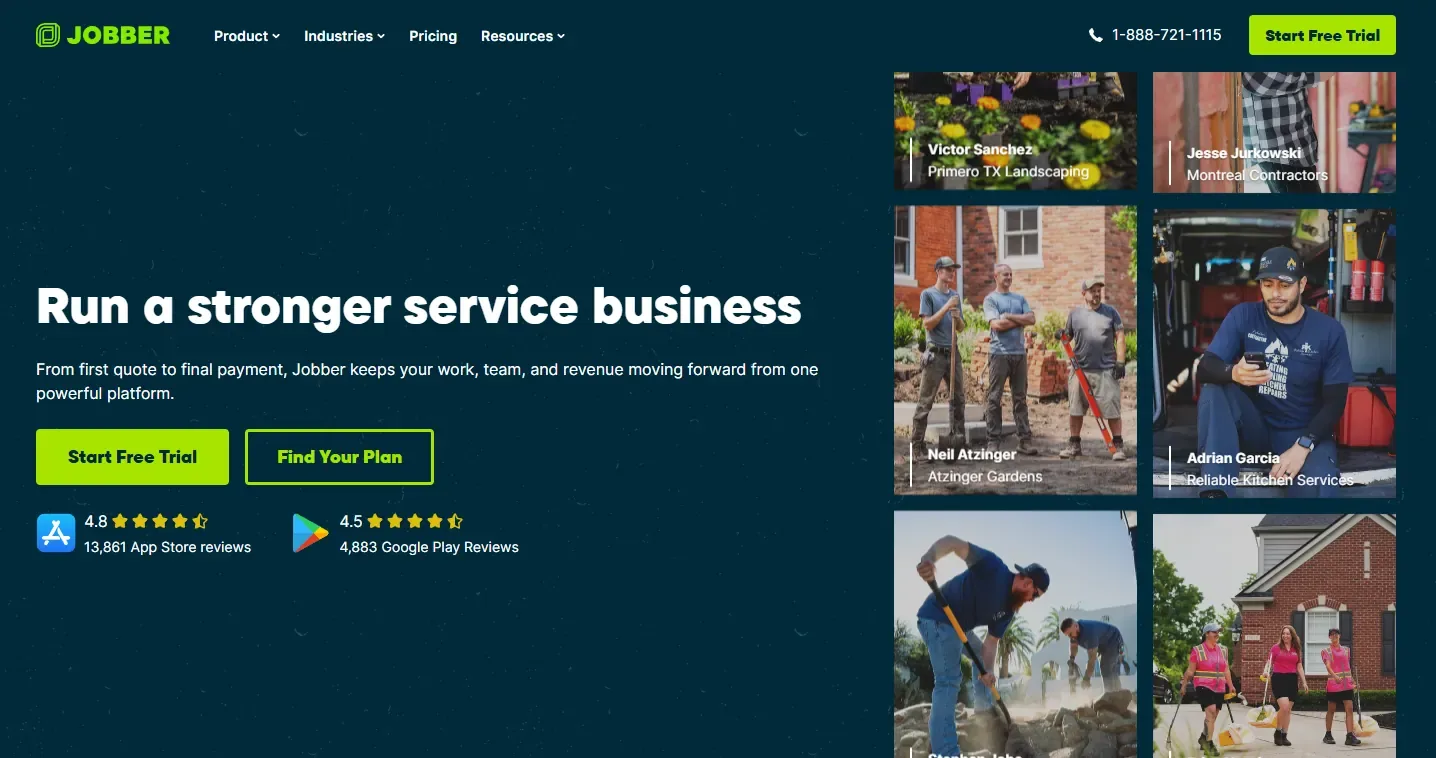
For example, when a homeowner requests regular mowing, you can prepare a quote, schedule recurring visits, and arrange payment collection within the same system.
Pricing: Jobber Core starts at $49 per month or $29 per month with annual billing. Connect and Grow plans cost roughly $199 per month and above, depending on the plan. Card processing costs approximately 2.9% plus $0.30 per transaction.
There's no permanent free plan, but Jobber offers a 14-day trial without requiring a credit card. Jobber is suitable for growing lawn care businesses that want online booking, customer reminders, and payment management in one platform. A solo operator handling relatively few jobs may find that a free alternative covers the same immediate needs.
2. Yardbook
Yardbook is lawn care and landscaping management software with a free core plan. You can manage customer information, prepare estimates, schedule services, and send invoices without paying a monthly subscription. Its free plan also includes basic route planning and expense tracking. Lawn-specific features cover chemical applications and seasonal billing, which may be useful for businesses offering fertilization or other recurring treatments. Yardbook allows unlimited customers on its free plan.
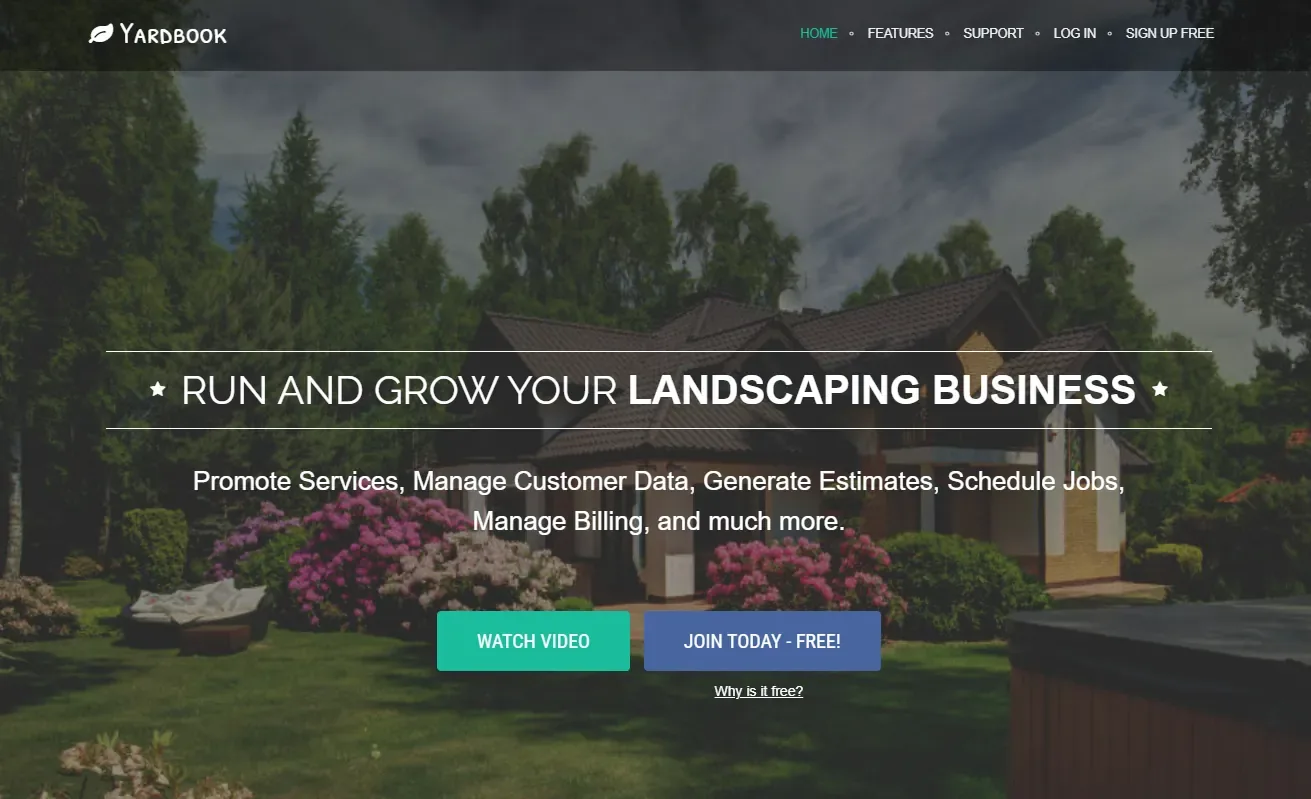
For someone moving away from handwritten schedules or spreadsheets, it provides a way to organize existing customers without immediately adding software expenses.
Pricing: The core plan is free. Yardbook offers paid premium features and add-ons, but there isn't one fixed subscription price covering every upgrade. Check the current options before choosing an upgrade.
The interface has more menus and controls than some paid alternatives, which may take time to learn. Yardbook is worth considering if you're running a solo lawn care business or have recently started accepting customers and want to keep monthly expenses low.
3. QuoteIQ
QuoteIQ focuses on estimates, making it useful for contractors who regularly quote jobs at different properties. Its built-in map measurement feature lets you estimate property dimensions while preparing a quote. You can use those measurements when pricing lawn mowing, fertilization, mulch installation, or cleanup services. The software also handles scheduling, invoicing, and payment collection. Higher subscription tiers add features such as customer self-scheduling and review management. QuoteIQ has five subscription levels, allowing businesses to choose features based on their current needs.

For operators who receive frequent quote requests, having property measurements and estimating tools in the same app can reduce the need to switch between separate programs.
Pricing: The Essentials plan starts at $29.99 per month. Plans extend to Max at $699.99 per month. Additional users cost approximately $25 each, and every tier includes a 14-day trial.
QuoteIQ makes sense for lawn care businesses that spend considerable time preparing estimates, particularly those offering several services with different pricing requirements. As QuoteIQ publishes its own comparisons with competing products, verify specific feature claims against each competitor's website.
4. Service Autopilot
Service Autopilot is designed for established service businesses managing recurring appointments, multiple employees, and customer follow-ups. It offers scheduling, dispatching, route management, invoicing, and automated communication. You can set up recurring service workflows and automate follow-up messages. The platform also supports two-way customer communication, business reporting, and QuickBooks integration. These features are particularly relevant when several crews need coordinated schedules and office staff are managing a large volume of repeat customers.
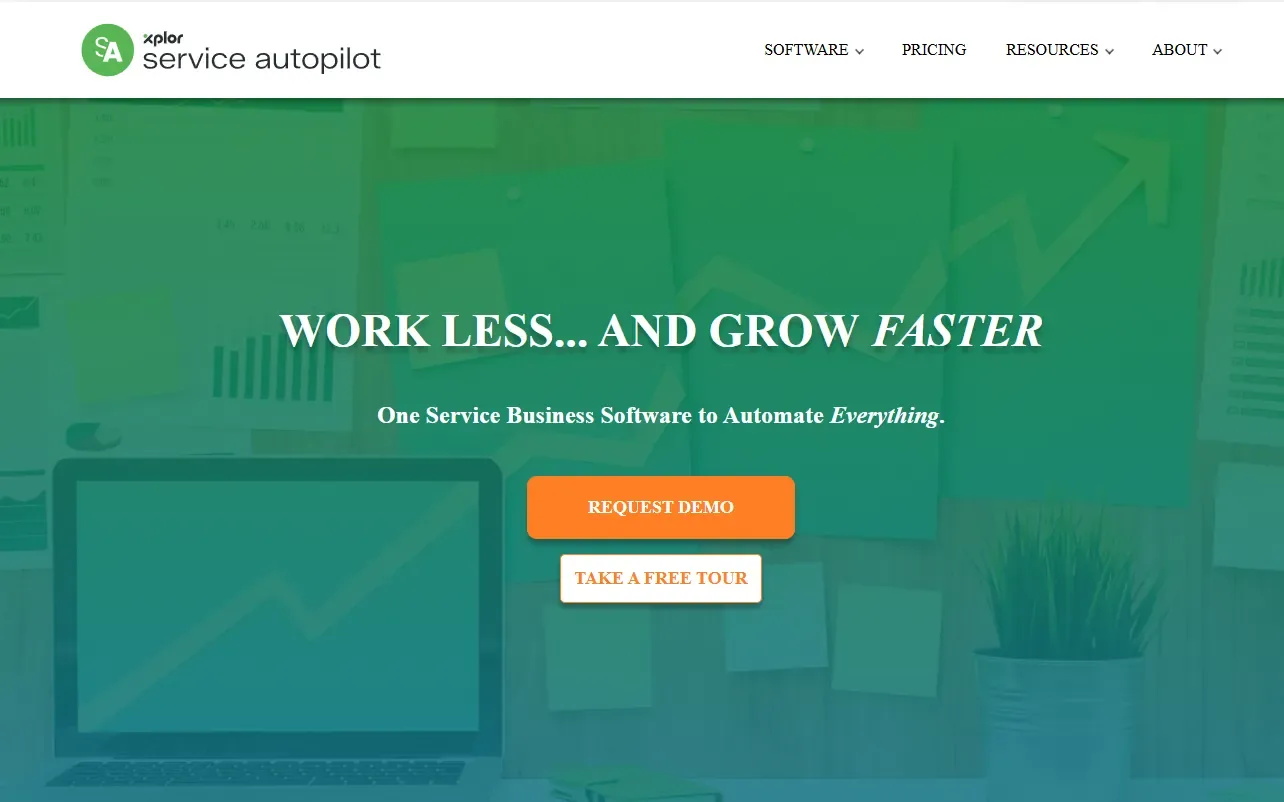
Service Autopilot requires more setup than a basic scheduling app. Its automation features are more useful when a business has enough recurring work to justify configuring them.
Pricing: Startup costs $49 per month, Pro costs $199, and Pro Plus costs $499. Elite pricing is customized. Published prices generally assume annual billing, and there's no permanent free plan.
Service Autopilot is better suited to established lawn care companies with multiple crews than operators managing a small customer list.
5. LawnPro
LawnPro has provided lawn care and field service software since the early 2000s. The platform includes a free tier covering basic customer management and daily operations. Depending on the plan limits, the free version supports approximately 25 to 50 customers with restricted user access. You can prepare estimates, schedule appointments, send invoices, and collect online payments. There's also a customer portal and automated text messaging for customers and crew members.
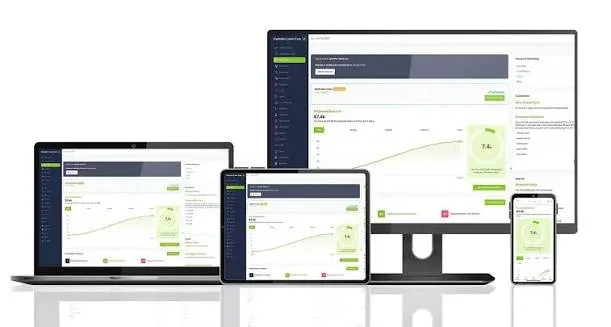
LawnPro includes features developed for lawn care businesses, such as chemical application tracking, level billing, and route-density management. These can be useful for companies providing recurring maintenance or treatment programs.
Pricing: LawnPro has a free plan, with paid subscriptions beginning around $29 per month. Its Grow plan costs approximately $129 per month and includes seven logins. Additional logins are around $19 each. Higher plans reach approximately $249 per month.
LawnPro suits small lawn care businesses that want to start with free software and upgrade as they hire additional employees.
Best apps for managing lawn care crews and routes
Scheduling becomes harder when several employees work at different properties throughout the day. The following apps help track working hours, organize crew schedules, document jobs, and plan travel.
6. Connecteam
Connecteam is an employee management app for teams working outside a traditional office. Lawn care businesses can use it to assign shifts, track attendance, and communicate with employees throughout the day. Its GPS-enabled time clock records where employees clock in. Managers can also assign tasks and provide digital forms or checklists that workers complete at the job site. Team messaging and announcements keep work-related communication inside the app.
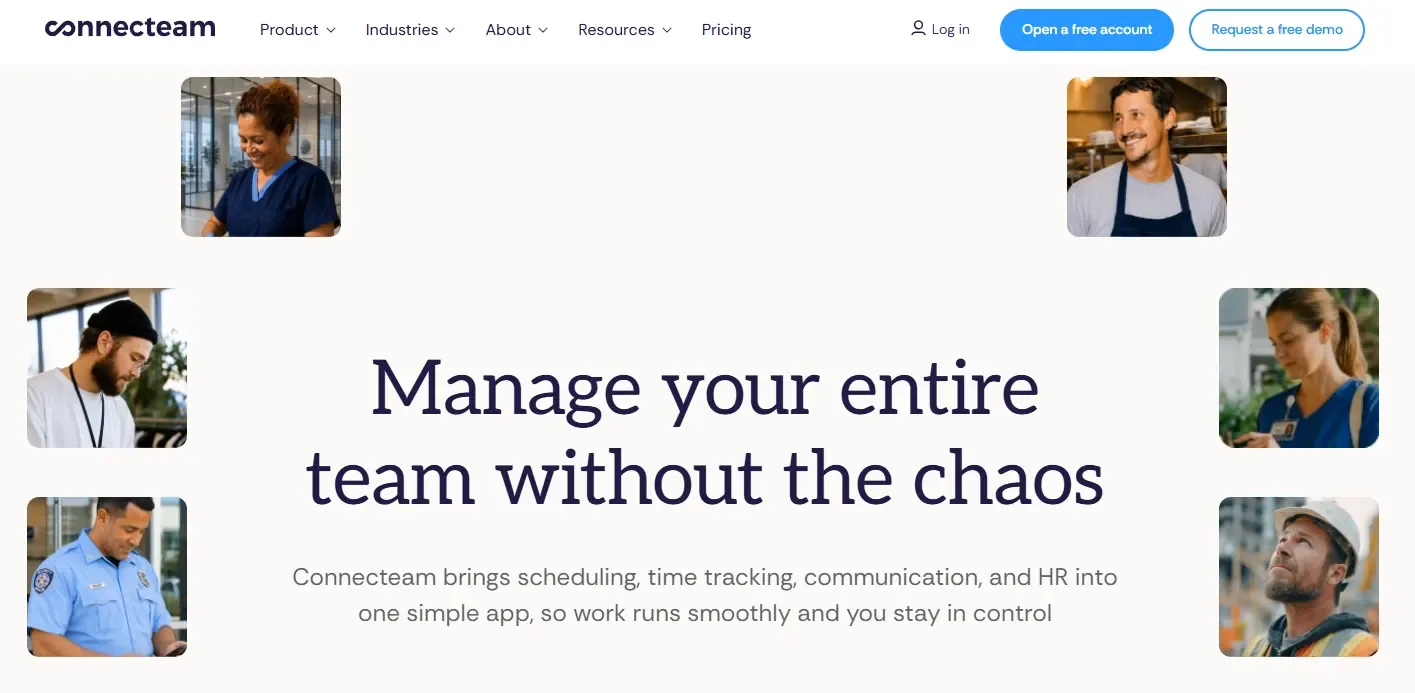
Pricing: Connecteam's Small Business Plan is free for up to 10 users. Paid subscriptions start at approximately $29 per month with annual billing for the first 30 users. Pricing is organized around separate Operations, Communications, and HR hubs, with additional per-user charges above the included limit.
Connecteam is useful when you need to manage employee shifts and daily tasks. It doesn't replace a lawn care CRM that handles customer estimates and invoicing. For a crew of two or three employees, the free version may already cover your scheduling requirements.
7. Workyard
Workyard helps businesses record employee working hours using GPS location data. Originally developed for construction and other field-based teams, it supports geofenced job sites, arrival detection, and detailed time records. A lawn care company can use Workyard to see when employees arrive at properties, how long they spend working, and how those hours affect labor costs. The software also provides job costing, payroll exports, scheduling, and notes. GPS records and audit trails help managers review recorded hours when payroll questions arise.
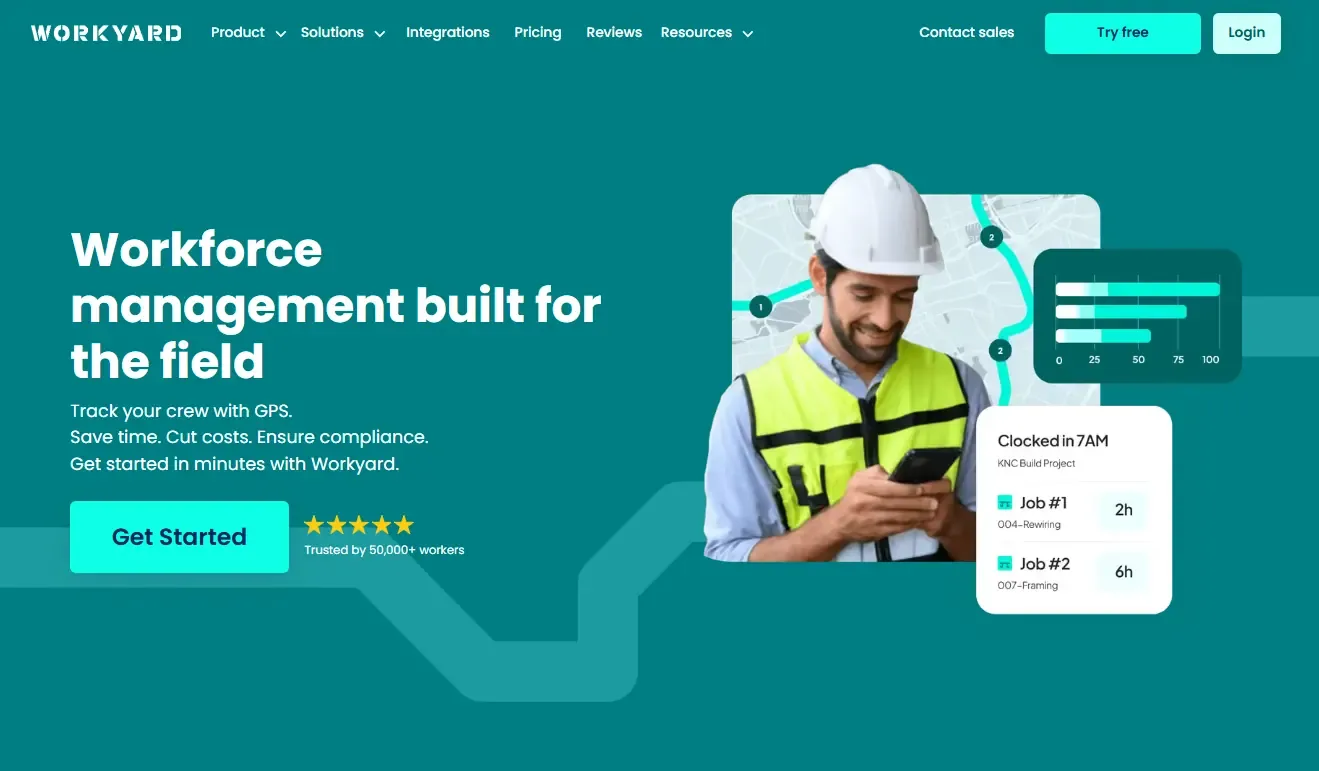
Pricing: Time Tracking costs $8 per user per month, or $6 with annual billing, plus a $50 monthly company fee. Workforce Management costs $16 per user per month plus the base fee.
Workyard offers a 14-day trial but no permanent free plan. It's most useful for businesses where accurate labor records affect payroll and job profitability. If you only need employees to clock in and out, Connecteam or Homebase may be sufficient.
8. CompanyCam
CompanyCam organizes job photos by property, project, and location. Employees can take photos before starting work and after completing a service. The app automatically attaches time and location information, helping maintain a record of what happened at each property. This is useful when documenting lawn conditions, damaged areas, completed landscaping work, or customer complaints. CompanyCam also supports photo annotations, checklists, and shareable project timelines. Multiple employees can contribute photos to the same project.
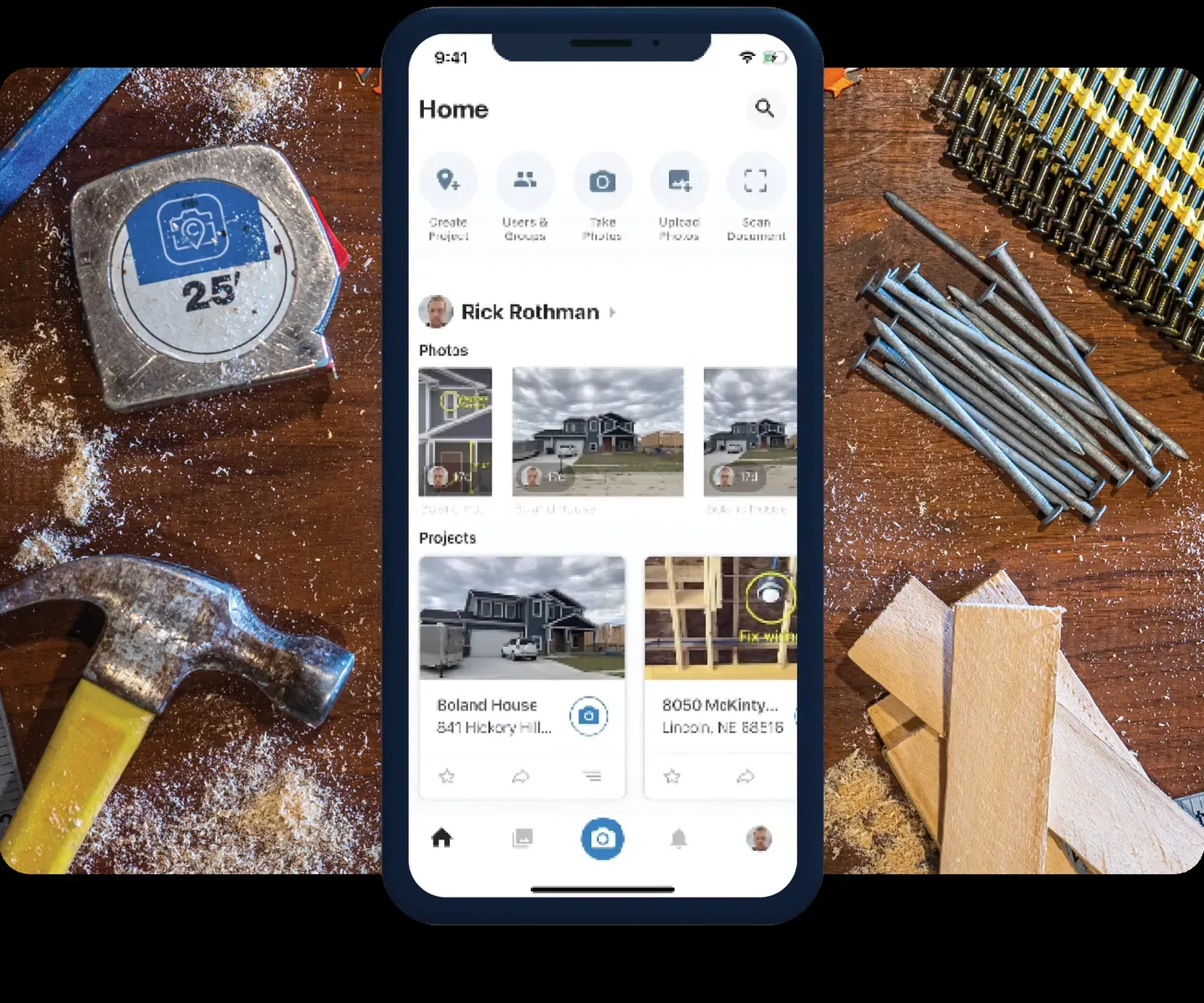
For example, a crew servicing a commercial property can document existing lawn damage before mowing. Those records may help resolve a disagreement if the property manager later reports damage.
Pricing: The Core plan is approximately $79 per month, or $63 per month with annual billing for one user. Crew costs around $149 per month, while Scale costs approximately $249 per month. Additional users are around $34 per month.
CompanyCam provides a free trial but no permanent free plan. Its published pricing varied across vendor pages during 2026, so confirm the current plan before subscribing. This app is particularly useful for landscaping companies, commercial maintenance contractors, and crews working on HOA properties where photographic documentation matters. A solo operator handling basic residential mowing may find ordinary phone photos sufficient.
9. Route4Me
Route4Me helps businesses plan driving routes with multiple stops. You enter the properties scheduled for the day, and the software arranges the route to reduce unnecessary driving. It can also adjust stop sequences when plans change. Other capabilities include GPS tracking, visit confirmation, recurring routes, and customer notifications. Some features require paid add-ons. Consider a crew with 15 properties scheduled across several neighborhoods. Route4Me can help determine a more efficient visiting order instead of relying entirely on manually planned directions.
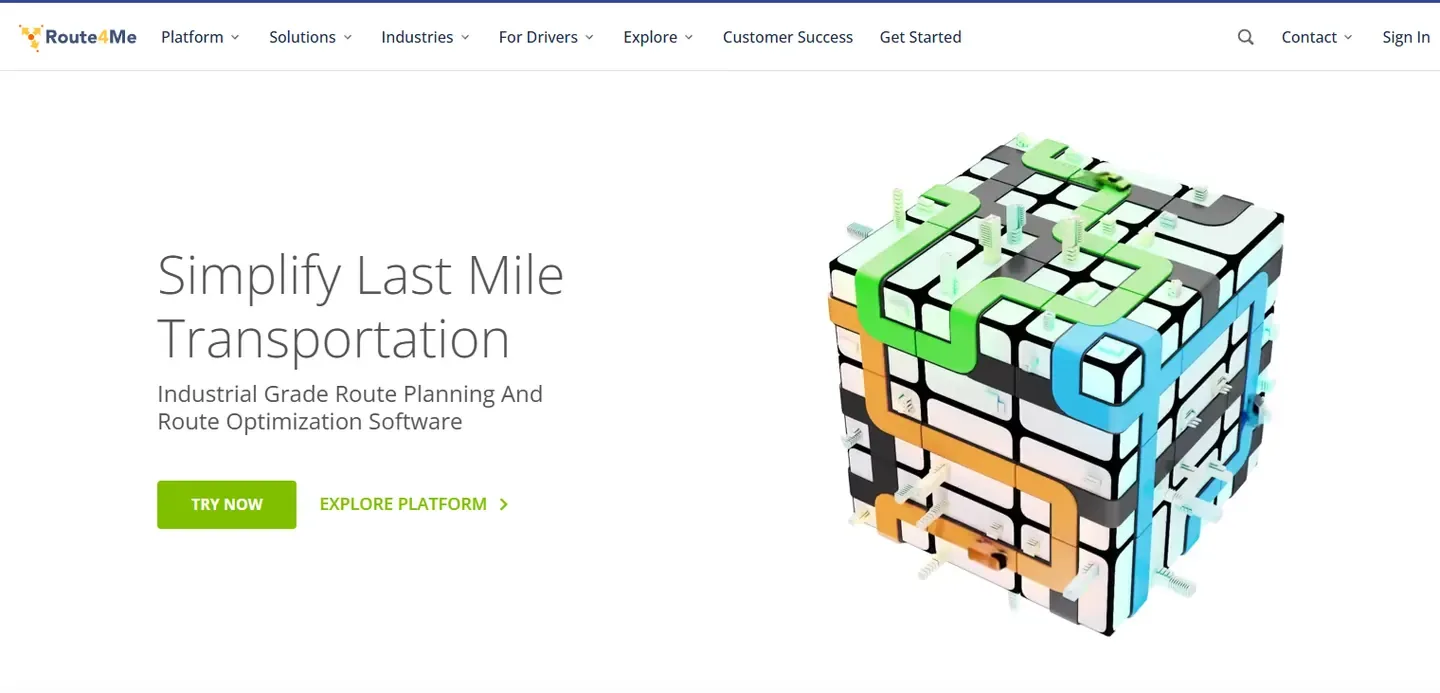
Pricing: Route Optimization plans start at approximately $40 per user per month. Recurring routes, avoidance zones, SMS notifications, and certain other features may cost extra.
A separate mobile subscription is available for approximately $9.99 per month. Higher-tier and enterprise pricing is customized, and Route4Me offers a seven-day trial. Route4Me is worth considering when crews make numerous stops each day and travel time is a noticeable expense. Before subscribing, check the routing features in your existing management software. Platforms such as Jobber and Service Autopilot already include route-related tools.
10. Homebase
Homebase provides employee scheduling and time tracking, with a free plan for small teams. Managers can create work schedules, monitor employee clock-ins, and communicate with staff. Employees can also request shift changes. Paid plans add hiring and onboarding tools, while payroll is available as a separate paid service. The free version covers one location and up to 10 employees, making it suitable for a small lawn care crew that needs basic workforce management.
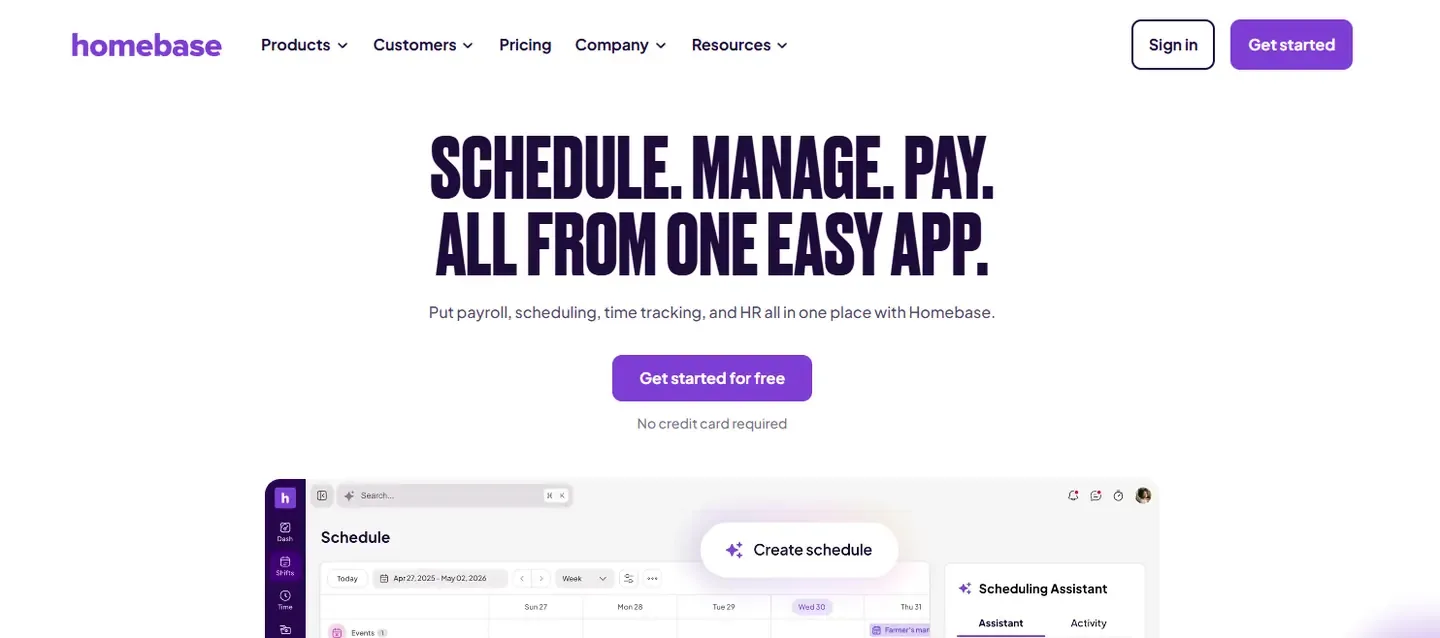
Pricing: The Basic plan is free. Essentials costs $30 per location per month, Plus costs $70, and All-in-One costs $120. Annual billing reduces these prices by approximately 20%.
Payroll is priced separately. Homebase is a practical choice for small teams that need staff schedules and a time clock without paying for a dedicated workforce platform. It doesn't handle the complete lawn care job process, so businesses using it may still need separate software for estimates and invoices.
Best lawn care apps for design and irrigation
Some field tasks are easier with dedicated design or irrigation apps. These tools complement a lawn care management platform instead of replacing its estimates, scheduling, and invoicing features.
11. iScape
iScape lets landscapers create design previews using photos of actual properties. You can photograph a customer's yard and add proposed plants, hardscape elements, or layout changes to show how the finished project might look. Its design library includes plant and hardscape elements. Completed designs can be exported or shared with customers. For example, if a homeowner wants to replace part of their lawn with planting beds and a walkway, you can prepare a visual proposal before the installation begins.
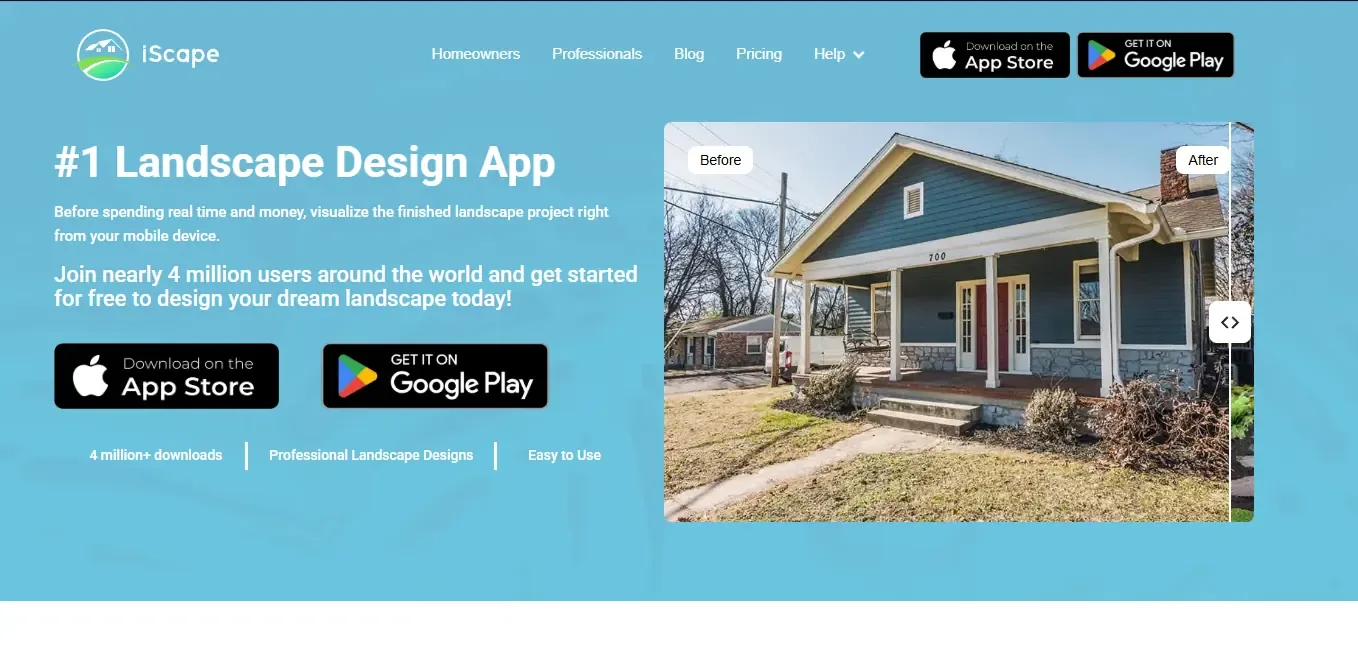
Pricing: iScape offers a free version and a paid subscription for additional features. Current subscription costs should be checked inside the app.
iScape is available on iOS and Android. Check feature availability on the devices your crew uses. It's useful for landscape design and installation businesses that need to present proposed changes to customers. Companies providing only recurring mowing services may have little use for its design features.
12. Rain Bird
The Rain Bird mobile app lets users control compatible Rain Bird Wi-Fi irrigation controllers remotely. You can change watering schedules, manage individual zones, and adjust irrigation settings from a phone. The app also supports seasonal adjustments, rain delays, and status notifications from connected controllers. For contractors maintaining irrigation systems, this can reduce the need to access the controller manually every time a schedule needs adjusting.
Pricing: The app is free, but it requires a compatible Rain Bird irrigation controller purchased separately.
Rain Bird is useful for lawn care businesses that install or service the company's irrigation equipment. It doesn't control irrigation systems made by other brands, which require their own compatible apps.
Best apps for lawn care accounting and basic scheduling
Small businesses don't always need a full management platform. An accounting app and a calendar may be enough when customer volume is manageable.
13. QuickBooks Online
QuickBooks Online handles business accounting, including income, expenses, invoices, and financial reporting. It connects with bank accounts to import transactions and provides reports for tax preparation. You can also give an accountant access to review financial records. Many field service management platforms integrate with QuickBooks, allowing businesses to use one program for daily operations and another for accounting. For example, a lawn care company might schedule jobs and collect payments through Jobber while using QuickBooks to record expenses, manage its books, and prepare financial reports.
Pricing: QuickBooks Online offers the following US plans:
| Plan | Monthly price |
|---|---|
| Simple Start | $38 |
| Essentials | $85 |
| Plus | $140 |
| Advanced | $340 |
These prices reflect the US list pricing reviewed in November 2026, following increases in August 2026. QuickBooks offers a 30-day trial or promotional subscription discounts, but no permanent free plan. It's particularly useful for businesses with employees, regular operating expenses, or an accountant who needs access to financial records.
14. Google Calendar
Google Calendar can handle basic lawn care scheduling without a subscription. You can create recurring appointments for weekly or biweekly mowing, set reminders, and organize jobs using different calendar colors. For example, you might assign one color to weekly mowing, another to landscaping projects, and another to customer estimates. Calendar sharing allows another employee or business partner to see scheduled work. Changes also sync across devices.
Pricing: Free with a Google account. Available on iOS, Android, and the web.
Google Calendar works well for solo operators managing a relatively small number of customers. Once you start missing follow-ups, double-booking appointments, or manually tracking too many invoices, switching to dedicated lawn care management software becomes more useful.
Best lawn care apps for finding customers and getting reviews
Lawn care businesses also need tools that help people find their services, check customer feedback, and request estimates.
15. Google Maps
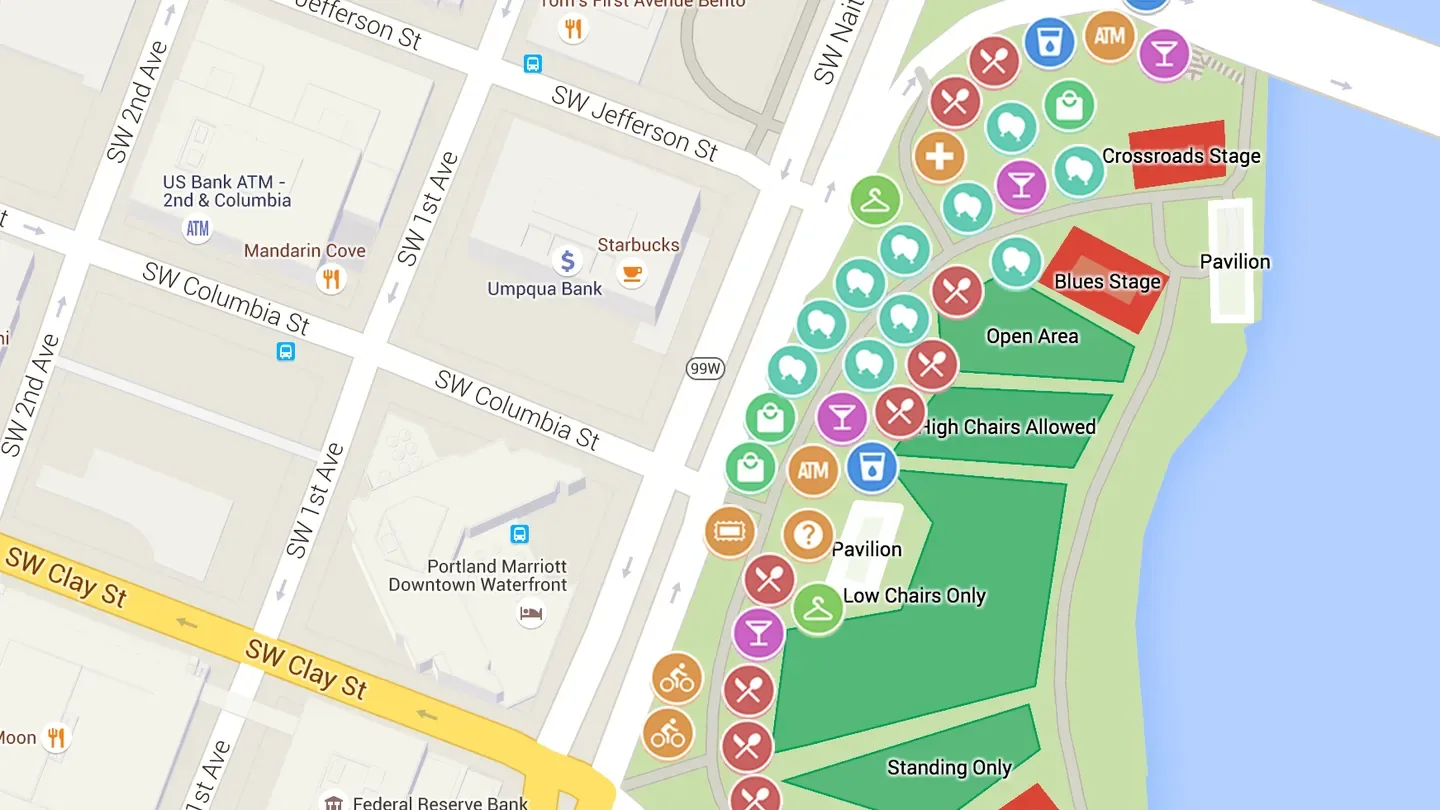
Google Maps helps lawn care crews navigate between properties, but it's also where potential customers may discover your business. When someone searches for "lawn care near me," Google can display local companies through Maps and its local search results. Your Google Business Profile provides information such as your business name, service details, and customer reviews. A complete and accurately maintained profile gives potential customers information they need before contacting you. Your profile's relevance, distance from the searcher, and prominence can influence local visibility.
On the navigation side, Google Maps provides driving directions and traffic information for daily routes.
Pricing: Free. Available on iOS, Android, and the web.
Every lawn care business can use Google Maps for navigation. Business owners should also pay attention to their Google Business Profile because it affects how customers find them through local search. See our guide on how to set up a Google Business Profile for lawn care.
16. NiceJob
NiceJob automates customer review requests. After a job is completed, businesses can send review requests through text messages or email instead of contacting every customer manually. NiceJob also tracks reviews across supported platforms and provides tools for sharing customer feedback on websites and social media. Higher subscription tiers include additional referral and repeat-business features. For example, a lawn care company completing dozens of jobs each week can use NiceJob to request feedback consistently without adding another task to its daily schedule.
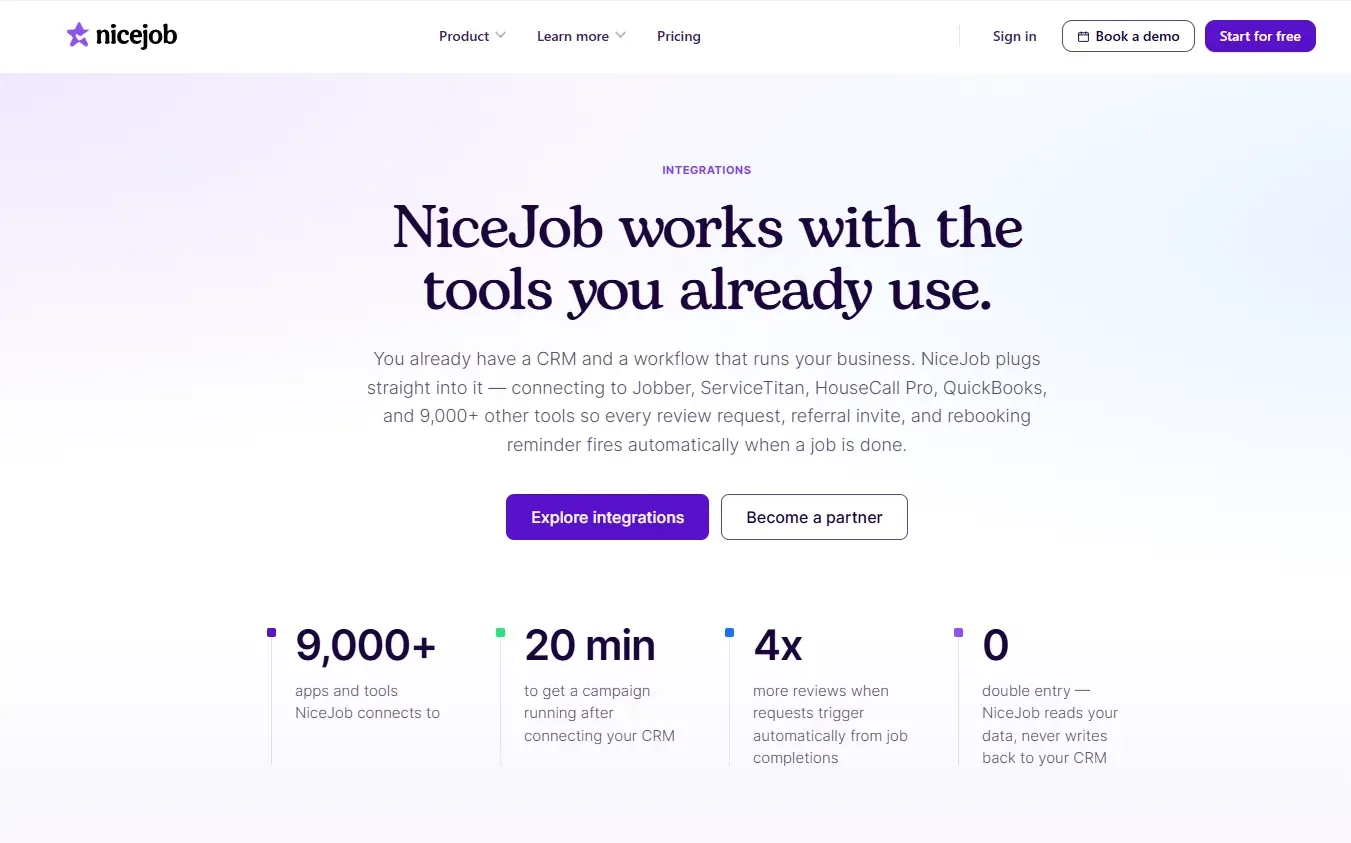
Pricing: The Starter Reviews plan costs $75 per month, while Pro costs $125 per month. NiceJob offers a 14-day trial but no permanent free version.
NiceJob suits businesses completing enough jobs to benefit from automated review requests. If you only service a handful of properties each week, asking customers for reviews personally may be sufficient until your workload increases.
17. GreenPal
GreenPal is a marketplace connecting homeowners with local lawn care professionals. Homeowners post lawn care jobs, and nearby service providers can submit bids. The homeowner reviews the offers and selects a provider. GreenPal includes satellite imagery to help contractors assess property size before quoting. Payments are processed through the platform. Contractors can join and submit bids without a monthly subscription.
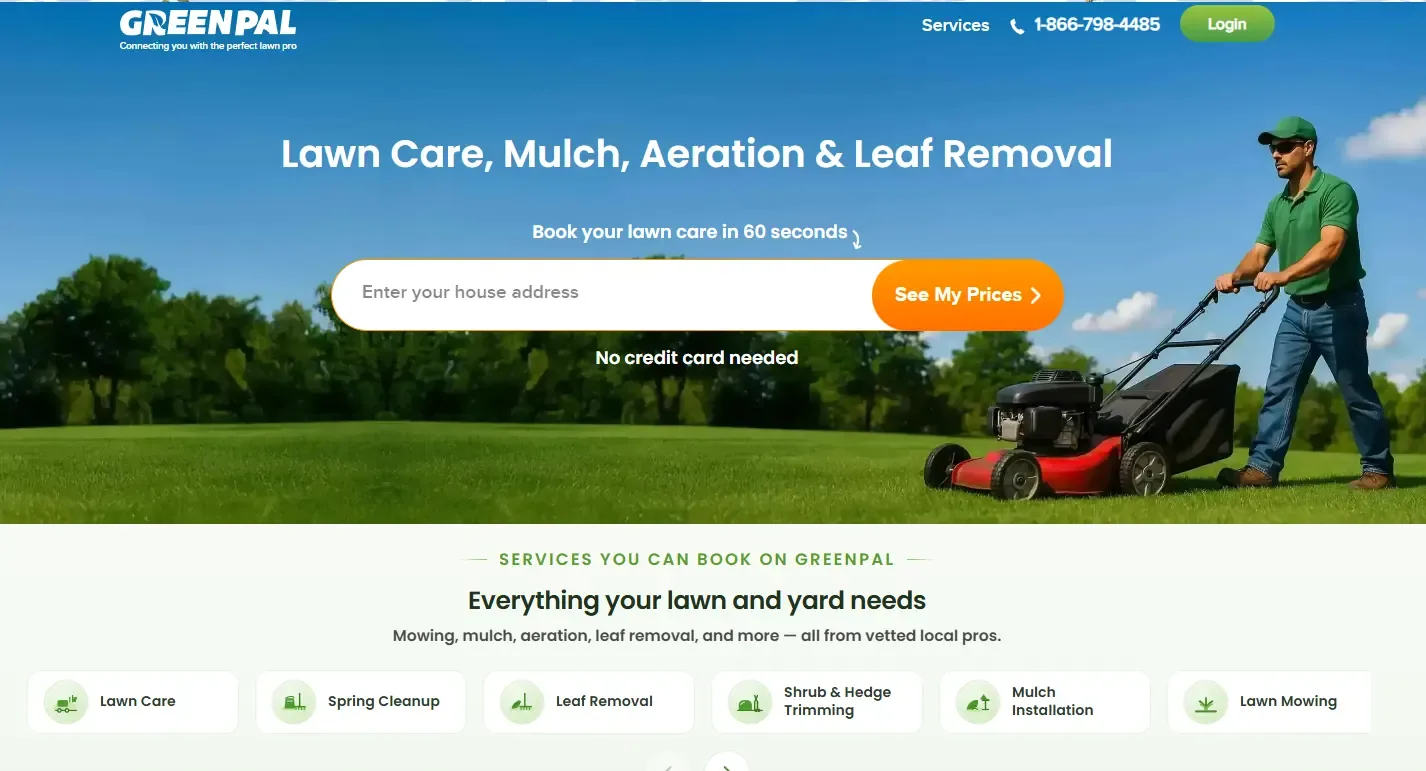
Pricing: GreenPal charges 5% of each job you win. Card processing fees of approximately 2.9% through Stripe may apply on top of the commission. Homeowners don't pay a marketplace fee.
For example, a $100 job would incur a $5 GreenPal commission, plus any applicable payment processing fees. GreenPal can help new lawn care businesses find jobs while they build their customer base. Established operators may also use it when they have openings in their schedules. Remember that customers come through the marketplace, and commissions apply to each job. Building your own customer relationships can reduce your dependence on marketplace leads.
For more ideas, see our guide on lawn care marketing and lead generation.
Check where your lawn care business appears on Google
Before paying for additional lead-generation or review software, check whether customers can find your business through relevant local searches. Search for your main service from your business location and then from another address a few miles away. You may notice that your position changes depending on where the search takes place. RankBeaver offers two free tools for checking local search visibility. The Local Search Result Checker lets you check whether your business appears for a particular search.
The Local Rank Grid shows how your ranking varies across different parts of your service area. For a lawn care business serving neighborhoods within a 30-minute driving radius, these results can help identify areas where your Google Maps visibility needs attention.
How much do lawn care business apps cost?
A lawn care business can start with free apps and spend as little as $0 to $10 per month on software. Established businesses using paid management software and crew tools may spend several hundred dollars monthly. The actual cost depends on employee count, subscription tiers, payment processing, and any extra features you purchase.
Monthly subscriptions and employee fees
Some apps charge one monthly fee for the entire business. Others charge for each employee. Workyard, for example, starts at $8 per user per month plus a $50 company fee. For a business with eight employees, the per-user charge would be $64, bringing the total to $114 per month before any additional services. When comparing two apps, check whether the published price covers the business account, a single user, or a specific number of employees.
Payment processing fees
Many lawn care management platforms let customers pay by card. A processing rate of 2.9% plus $0.30 means you would pay approximately $6.10 to process a $200 payment. Across 300 payments of that amount, the processing cost would total approximately $1,830. These fees are separate from the monthly software subscription and can become a substantial expense as payment volume increases.
Additional features and annual billing
Some vendors charge extra for onboarding, additional users, payroll services, or features excluded from their starting plan. Annual billing can reduce subscription costs by approximately 15% to 20%, although discounts vary by vendor. Check which features are included before selecting a plan based solely on its advertised starting price.
Estimated monthly software costs by business size
| Business stage | Example app combination | Estimated monthly cost |
|---|---|---|
| Solo operator | Yardbook or LawnPro free plan, Google Calendar, Google Maps | $0–$10 |
| Growing lawn care business | Jobber Core or QuoteIQ, CompanyCam, QuickBooks Simple Start | $120–$200 |
| Established multi-crew operation | Service Autopilot or Jobber Grow, Workyard, CompanyCam, QuickBooks Plus | $400–$700+ |
These are approximate starting ranges rather than vendor quotes. The final amount depends on user seats, billing terms, selected features, and processing fees. A business with one truck may be able to operate almost entirely on free software. Costs generally increase when additional employees need accounts or the company starts using specialized tools.
Which lawn care apps should you choose?
Example app stacks by business size
These combinations are illustrations, not required bundles. Check overlap before paying for another subscription.
Customer records, recurring visits, basic navigation. Add a paid measuring or quoting tool only as needed.
Customer-to-invoice management alongside employee schedules. Check whether Jobber already covers the scheduling needs.
Recurring routes alongside GPS-supported labor records. Compare actual job-costing functions before subscribing to both.
Start with the task that's taking the most time or causing the most problems.
- Starting a solo lawn care business: Try Yardbook or LawnPro. Both offer free plans covering customer management and basic business operations. If measuring lawns is a frequent task, assess the map-measurement features in QuoteIQ before paying for another app.
- Spending too much time preparing estimates: Consider QuoteIQ for its map-based measuring and quoting features.
- Managing more customer appointments: Jobber provides online booking, automated reminders, and payment collection.
- Hiring your first employees: Homebase or Connecteam can handle basic scheduling and attendance tracking through their free plans.
- Having trouble tracking paid hours: Workyard provides GPS-verified time records and payroll exports.
- Driving between too many properties: Check the routing capabilities in your existing software before paying for Route4Me.
- Offering irrigation maintenance: Use Rain Bird when servicing compatible Rain Bird controllers, or the appropriate app for other equipment.
- Trying to get more customers: Maintain your Google Business Profile, request reviews from completed jobs, and consider GreenPal when you have gaps in your schedule. NiceJob becomes useful when the number of review requests makes manual follow-up difficult.
Before purchasing a second management platform, compare its features with the software you already use. Many lawn care apps offer similar scheduling, estimating, and invoicing functions.
Run a real workday through the app before paying
Use a sample customer and repeat the same tasks on every trial. This is a proposed test checklist, not a claim that RankBeaver completed it.
If the app cannot perform a task your crew needs in the field, verify the plan and mobile-device limitations before subscribing.
Frequently asked questions
What is the best free lawn care app?
Yardbook is one of the strongest free options for managing a lawn care business. Its core plan covers customer records, scheduling, estimates, and invoices without a monthly subscription. LawnPro is another option with a free tier and features developed specifically for lawn care operations. For individual tasks, Google Calendar provides scheduling, Google Maps handles navigation, and Connecteam or Homebase can help manage employee shifts. Check whether an app offers a permanent free plan or only a limited trial before signing up.
What apps do lawn care businesses use to measure lawns?
QuoteIQ includes map-based property measurement in its estimating software, so contractors can measure lawns while preparing quotes. Check the plan's measurement features before subscribing if area-based pricing is central to your business. Measurements taken from satellite images are estimates rather than survey-grade results. Trees, slopes, and outdated imagery can affect accuracy, so verify important measurements before finalizing customer prices.
Do I need a lawn care CRM or management platform?
You may not need a paid CRM when you're operating alone and managing a small number of customers. Google Calendar can organize recurring appointments, while free platforms such as Yardbook can handle estimates and invoices. Dedicated management software becomes more useful when you start double-booking jobs, missing customer follow-ups, or spending too much time tracking payments manually. Hiring employees can also increase the need for a shared scheduling system.
The decision should be based on the work you're managing and the problems you're encountering rather than a fixed revenue target.
How many app subscriptions does a lawn care business need?
Most small lawn care businesses can manage daily operations with one management platform and a few specialized utilities. Some may need three to five apps in total, although several can be free. Before purchasing another subscription, check whether your existing software already includes the feature you need. If you're considering a paid app, use its trial to test the functions you rely on. For permanent free plans, try the app through a full monthly work cycle before upgrading.
Do lawn care apps work without an internet connection?
Offline support depends on the app and the exact action your crew needs to complete. Some tools can save data temporarily and sync it when the connection returns, while others require internet access to load maps or update jobs. Before subscribing, test whether your technicians can access customer notes, capture job photos, record hours, and mark visits complete in areas with weak reception. Confirm how the app handles conflicting updates after reconnecting.
Which app is best for getting more lawn care customers?
Google Maps and your Google Business Profile are useful starting points for attracting customers through local searches. Your Business Profile helps Google understand your service information, while customer reviews provide feedback that prospective customers can examine before contacting you. NiceJob can automate review requests once you're completing enough jobs to justify its subscription cost. GreenPal offers another way to find customers by bidding on available lawn care work, although you'll pay a commission for every job won.
If you're unsure how visible your business is in local searches, use RankBeaver's Local Search Result Checker to check your current presence before spending money on additional lead-generation software.